Filters and reports
The Operations reporting view updates when you change the funding programme, submission window, district or workflow stage.
1. Filter by programme, period and district
In the View a funding programme panel:
- Choose the funding programme.
- Choose a submission window: Last 30 days, Last 60 days or Last 90 days.
- Choose a district or leave All districts selected.
- Review the changed summary cards, charts, application register and attention queues.
- Select Reset filters to restore the default report view.
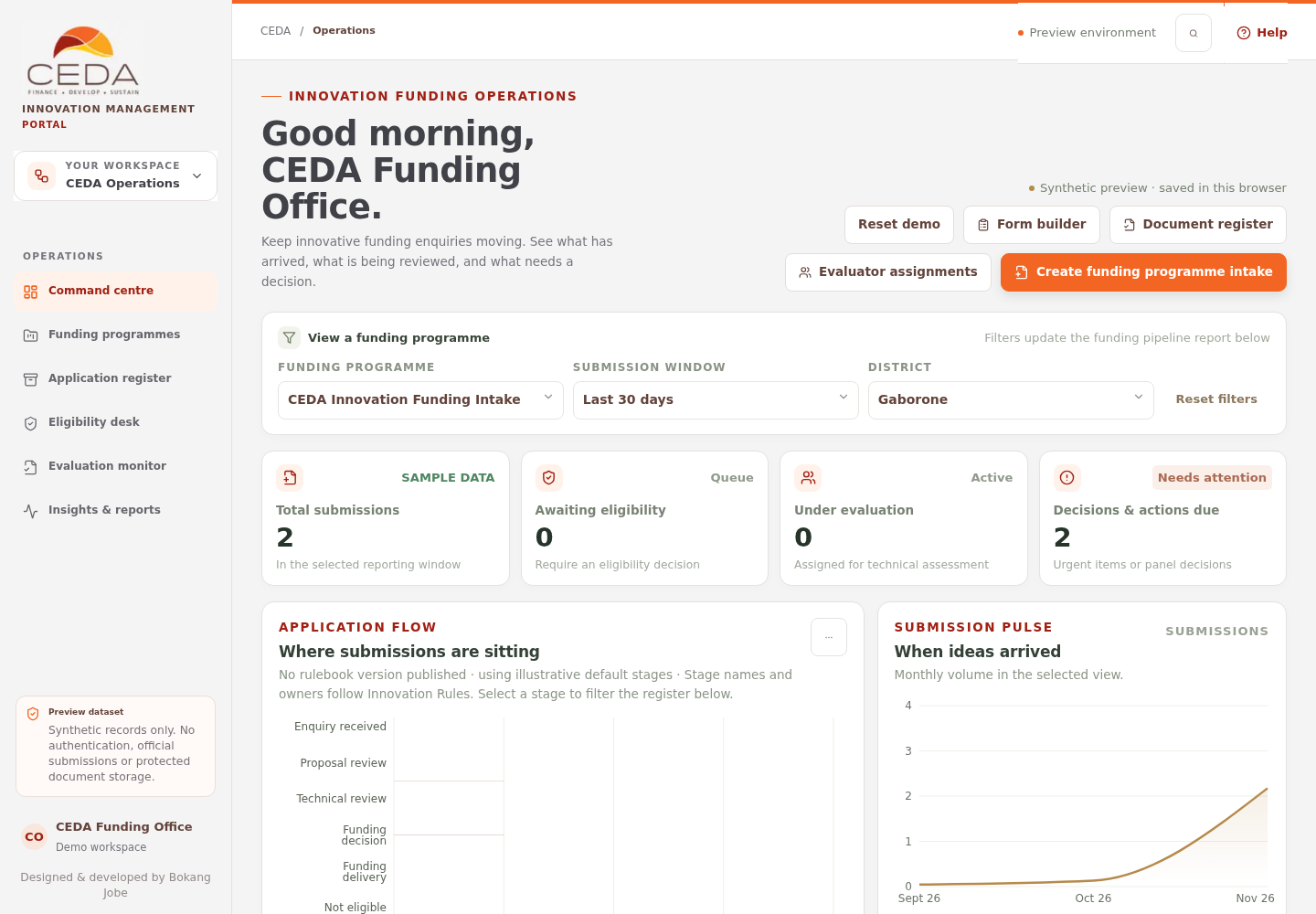
The selected filters determine which sample records are included in the totals and lists. These are illustrative reports, not official CEDA performance statistics.
2. Filter by workflow stage
- Find Where submissions are sitting under Application flow.
- Select a bar or workflow-stage item in the legend.
- The Applications in motion register narrows to that stage.
- Select the active stage again or use the clear-stage control to return to all stages.
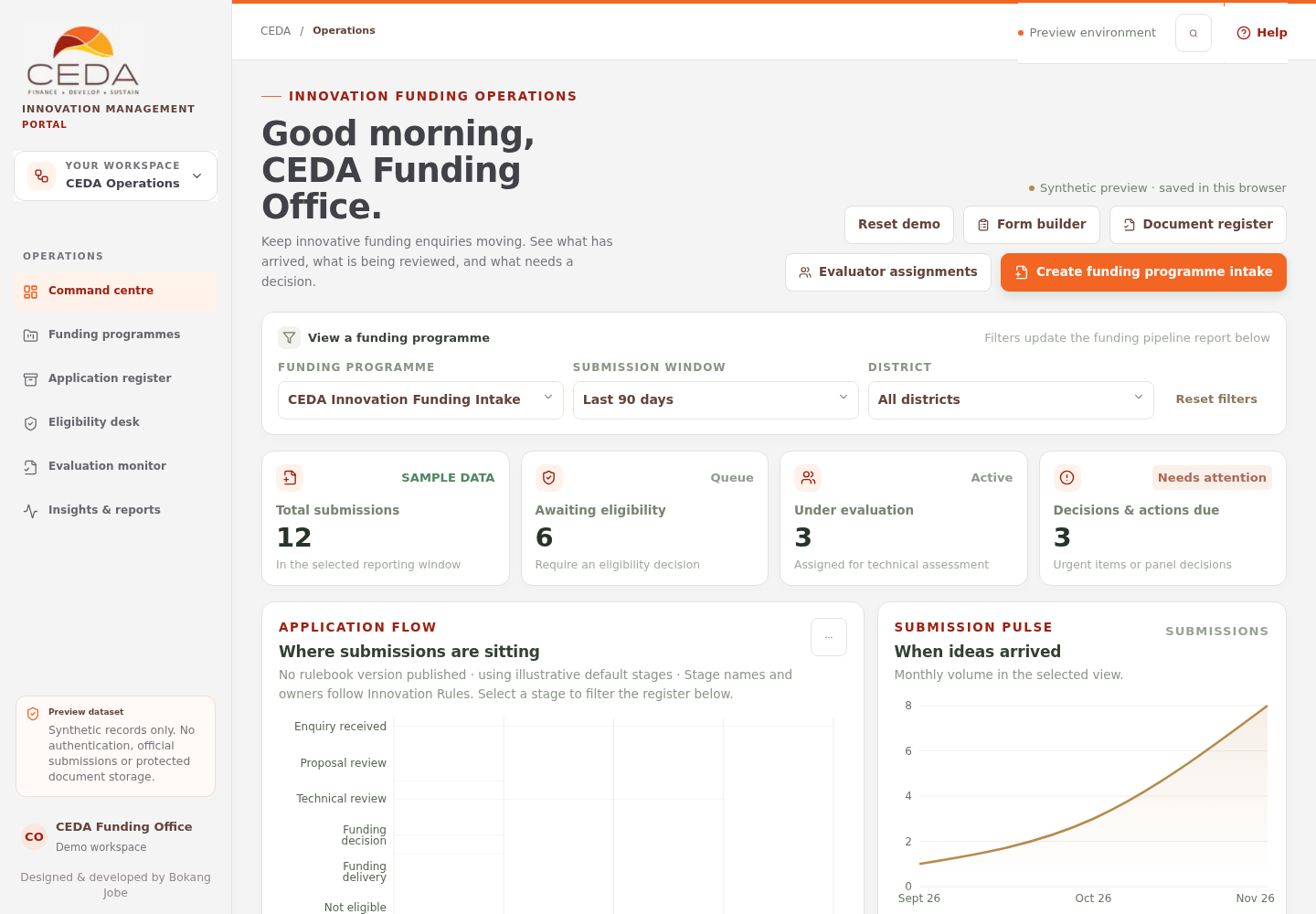
Stage labels and responsible roles are intended to follow the published Innovation Rules configuration. When no rulebook version has been published, the preview uses illustrative default stages.
3. Read the workflow chart
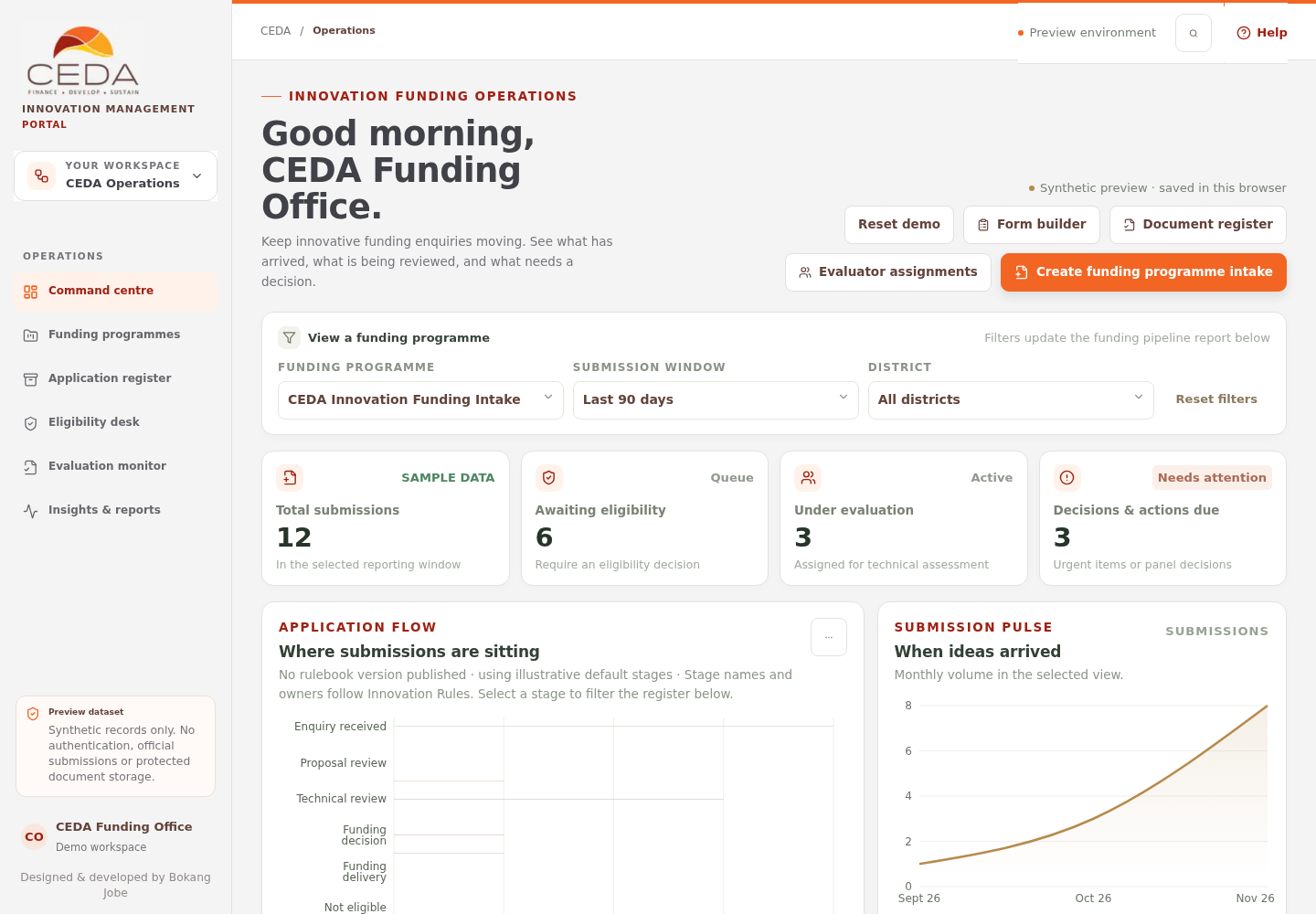
Where submissions are sitting shows the number of records at each workflow stage. Select a stage to move from the total distribution to the underlying register records. The legend also shows the count for each stage.
4. Read the submission trend
The When ideas arrived chart shows monthly sample submission volume for the selected view. It provides a quick trend, not an official statistical report or a forecast.
5. Export the filtered register
The Export CSV control in Applications in motion downloads the list currently shown.
- Apply the filters you need.
- Clear any workflow-stage selection if you want all stages.
- Select Export CSV.
- Save the CSV and open it in a spreadsheet application.
The export includes the filtered sample records with reference, innovation, organisation, district, submitted date, stage, reviewer, due item and priority. It does not export official CEDA records.